US-Owned & Operated — California, USA

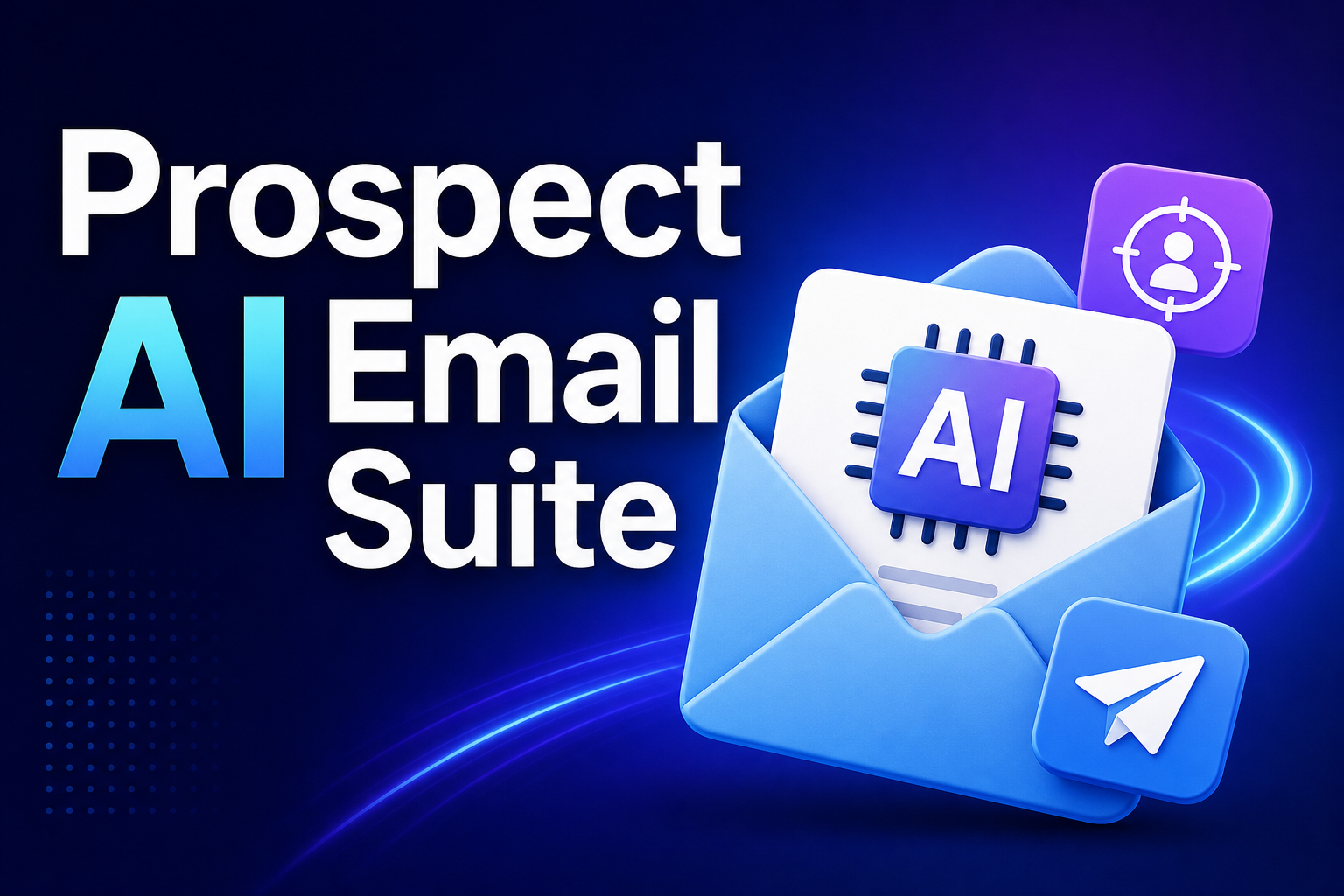
AI Sales Prospecting Email Pack for B2B Teams

$4.99

  • Eliminates blank-page paralysis with instant pipeline copy for reps.
  • Generates four distinct messages preventing repetitive prospect sequences.
  • Anchors every message to prospect pain points and roles.
  • Delivers send-ready outreach without copywriting experience required.
Works with
ChatGPTClaudeGeminiMistral

WHAT YOU GET

Everything you need to hit the ground running

Ready-to-Use Prompts

Professionally written, tested prompts you can copy and paste immediately — no editing required.

Multiple Use Cases

Covers the most common scenarios for your workflow, from quick tasks to complex multi-step jobs.

Instant Download

Access your files the moment you complete checkout. No waiting, no approval process.

Take a look inside before you buy

See exactly what you're getting

Take a look inside before you buy. Every prompt is clearly labeled, ready to copy, and includes a brief note on when and how to use it for maximum impact.

How to Use the AI Sales Prospecting Email Pack Prompt

What This Prompt Does

This prompt generates a ready-to-send, 4-part B2B outreach sequence: a cold email, two follow-up emails, and a LinkedIn message. Every message is built around your specific prospect, your offer, and the pain point you’re solving — so nothing feels generic or templated.

Step 1: Gather Your Required Inputs

Before running the prompt, you need three pieces of information ready. These are mandatory — the prompt cannot generate output without them.

  • Prospect Role: The exact job title of the person you’re reaching out to. Be specific — VP of Sales performs better than sales leader because it shapes the tone, pain points, and decision-making language used in every message. Examples: Head of Operations, Founder, VP of Revenue, Sales Manager.
  • Company Offer: A one or two sentence description of what you sell and who it helps. Example: An AI scheduling tool that helps ops teams eliminate manual back-and-forth for enterprise clients. Don’t oversell it — just be clear and accurate about capabilities.
  • Prospect Pain Point: The specific business problem this person is likely experiencing right now. This becomes the emotional anchor of the entire sequence and drives subject lines, openers, and follow-up angles. Example: SDRs are spending 60% of their time on admin tasks instead of actual selling.

Step 2: Add Optional Inputs for Higher Personalization (Recommended)

These inputs are not required, but they significantly improve relevance and conversion potential.

  • Sender Name: Your full name, used in email sign-offs and personalization. If omitted, defaults to ‘[Your Name]’.
  • Company Name: Your company name, used in context lines and sign-offs. If omitted, defaults to ‘[Your Company]’.
  • Social Proof: A specific, verified result or client win you can reference. Examples: helped Acme Co. book 40 demos in 30 days or reduced manual data entry by 12 hours/week for a Fortune 500 sales team. The prompt will embed this naturally into the Cold Email or Follow-Up #1, whichever fits most organically. Only include if you can back it up.
  • Call to Action: The specific ask at the end of each message. Keep it low-friction and singular. Default: a quick 15-minute call. Alternatives: a 20-minute demo, a brief Loom walkthrough, a 10-minute call to explore fit.

Step 3: Run the Prompt

Copy the entire optimized prompt. Paste it into ChatGPT (GPT-4 or higher), Claude, or Gemini. Fill in the three required inputs in the designated input_parameters section. Run the prompt. The output will return four labeled messages in sequence order, ready to use.

Step 4: Review and Send

The output is designed to be send-ready. Review once for:

  • Any company-specific details, trigger events, or recent news you want to layer in
  • Mutual connections or shared context you can add
  • Tone fit for your voice and brand

Then load into your email tool (Outreach, HubSpot, Gmail) or paste directly into LinkedIn.

Pro Tips

  • Use the LinkedIn message as your first touch if you’re already connected to the prospect — it warms the relationship before the cold email lands in their inbox.
  • The Follow-Up #2 message is intentionally low-pressure and permission-based. Don’t alter the tone to be more aggressive — the restraint is what makes it work and preserves future outreach opportunities.
  • If you’re running this for multiple ICPs (Ideal Customer Profiles), change the Prospect Role and Pain Point each time. The sequence structure stays consistent; the content will shift significantly based on your inputs.
  • Timing matters: Space out the cold email (Day 1), Follow-Up #1 (Day 4–5), and Follow-Up #2 (Day 9–10) to avoid spam folder placement and give prospects time to see and respond.
  • For best results, personalize each message with a specific detail from their LinkedIn profile, recent company news, or a mutual connection before sending.

What You Get

  • Cold Email: A subject line (under 8 words) and 100–150 word message that leads with the prospect’s pain point, not your product.
  • Follow-Up #1 (Day 4–5): A 60–80 word message with a new angle — an insight, reframe, or consequence of inaction.
  • Follow-Up #2 (Day 9–10): A 50–70 word permission-based close that feels human and gives the prospect a graceful exit.
  • LinkedIn Message: A 60–80 word message with no subject line, opening on a genuine observation or pattern, closing with a direct ask.

CUSTOMER REVIEWS

Don't take our word for it

QUESTIONS & ANSWERS

Frequently asked questions

All prompts are compatible with ChatGPT (GPT-4 and above), Claude, and Google Gemini. They also work with any AI tool that accepts natural language input.

Not at all. Just copy the prompt, paste it into your AI tool, and hit send. No setup, no coding, no learning curve required.
You will receive an instant download containing a PDF file (great for reading and reference) and a plain text file (easy to copy from).
Yes. We offer a 30-day satisfaction guarantee. If the prompts do not work for your use case, contact us and we will make it right.

Ready to work smarter?

Join thousands of creators and professionals who already work smarter with Digital Staples.